
How do I add the ReviewForest widgets on Strato?
In this tutorial we show you how to embed ReviewForest widgets on a Strato website — for example, to display your Google reviews directly on your Strato site. For context: Strato offers two types of websites — the Homepage Builder and the Webshop Builder. We’ll cover both.
Homepage Builder
Section titled “Homepage Builder”
The right approach here depends on which widget behavior you want: floating or fixed.
Floating
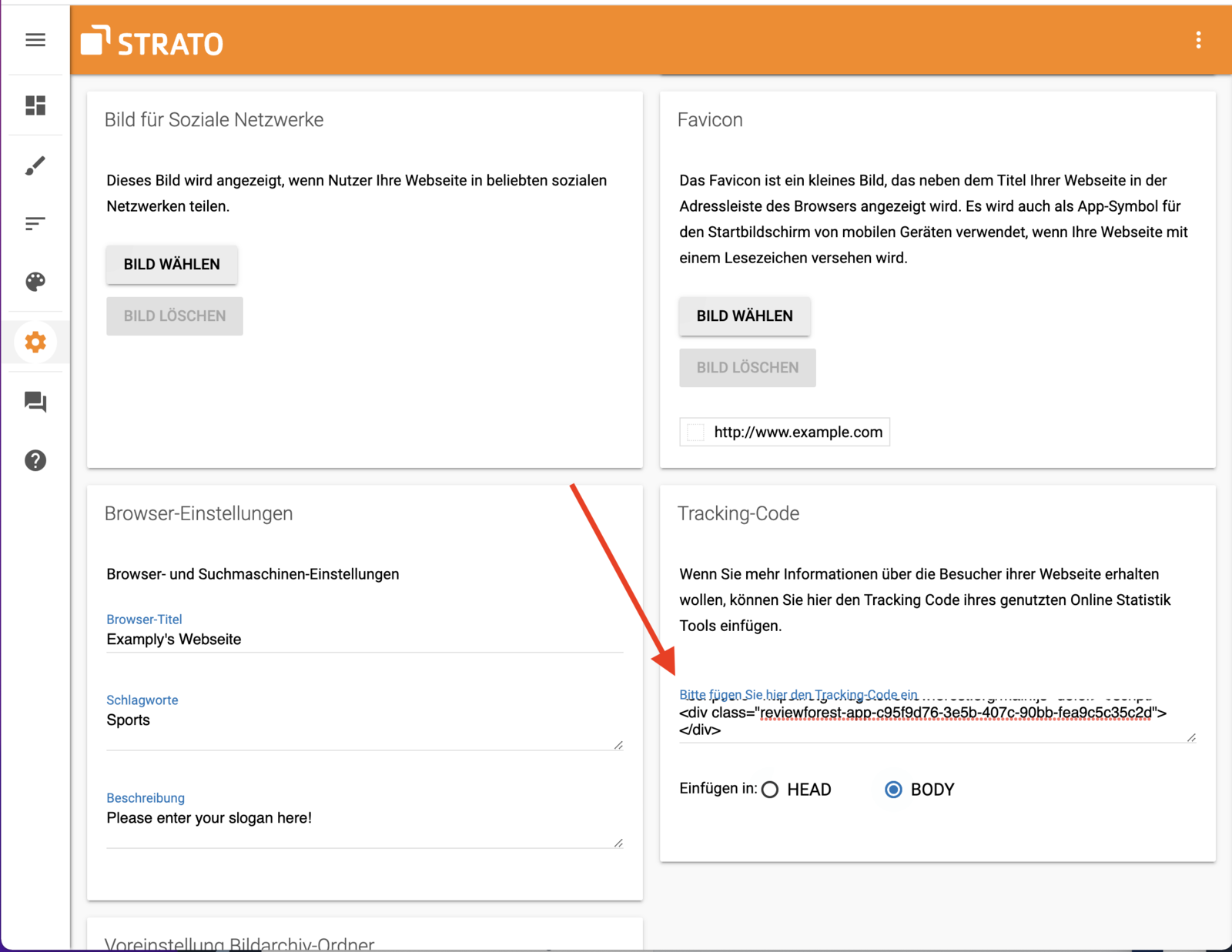
Section titled “Floating”Once you’ve created your widget code in the ReviewForest app, you need a small trick to make Strato display the widget as a floating overlay. Go to Settings – General and paste the code into the Tracking Code field. If there is already code there, simply add the ReviewForest code below it. This will insert the widget on every page of your site.
If you want the widget to appear in a fixed position, go to Edit website, then click Edit website again at the bottom right, and select Content elements. Under Standard elements, choose Embed.
Here is a short video that walks you through it: