How to change the billing email address
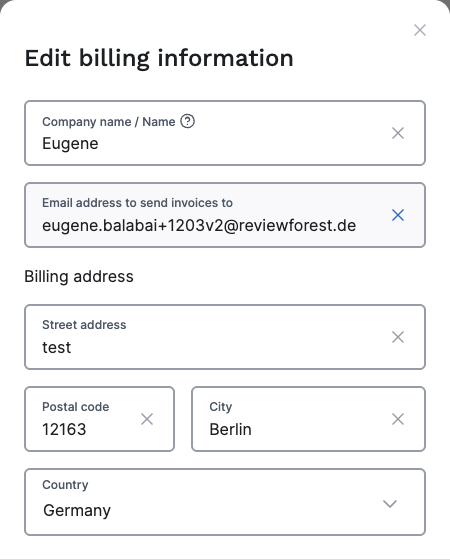
Our system automatically sends new invoices as email attachments to the email address on your account. If you’d like invoices to go to a different address, you can change it at any time. We call it the billing email address.
Here’s how:
-
Log in and go to Payment & Plan
-
Under Billing details, click Edit
-
Enter the email address you want invoices sent to in the Email address to send invoices to field, then click Save changes.