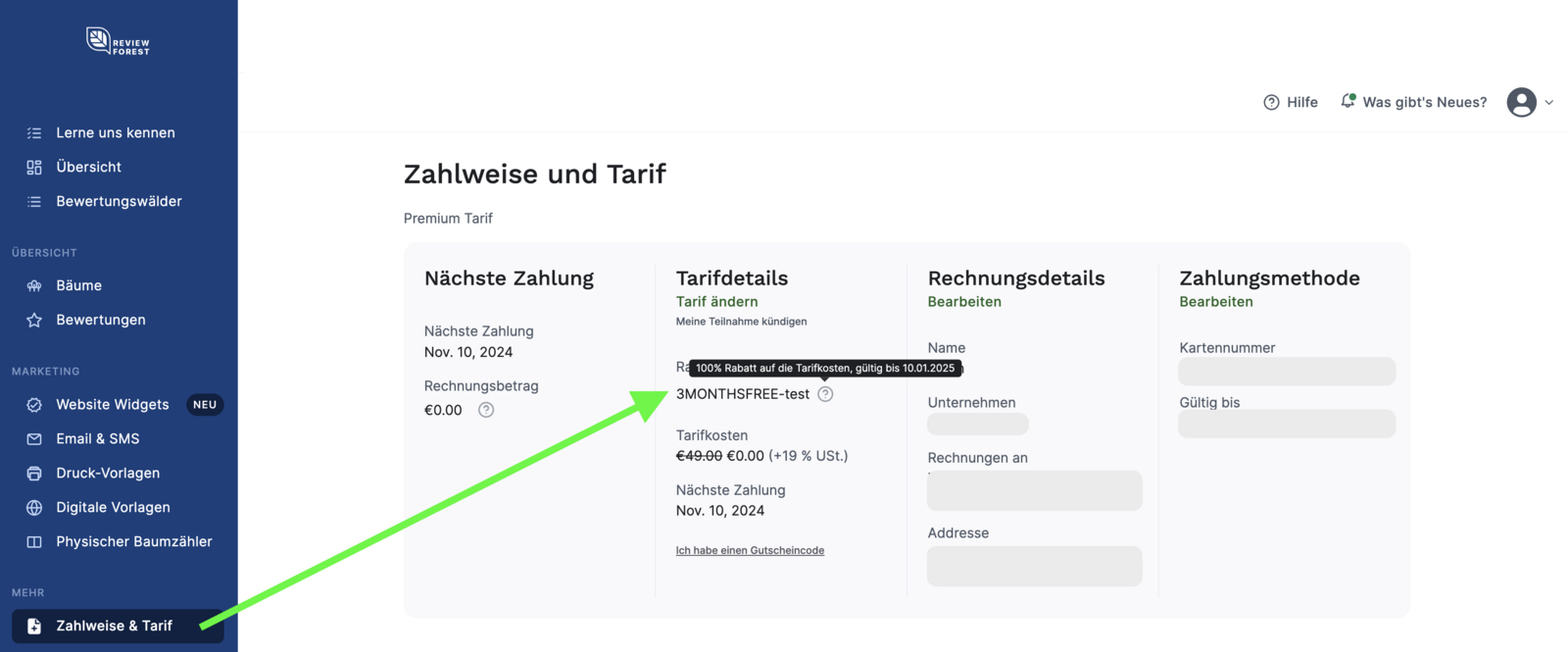
Apply a voucher during activation
How to apply your voucher when activating your ReviewForest subscription
Section titled “How to apply your voucher when activating your ReviewForest subscription”-
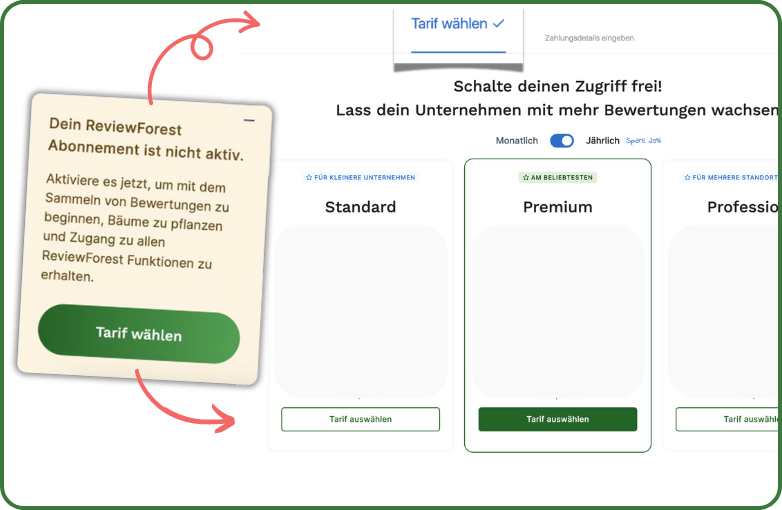
Log in to your ReviewForest member area and first go to https://app.reviewforest.org/review-forests Do you see the small banner in the bottom left?
-
Click the “Choose plan” button On the next page:
-
Decide between monthly or annual payment and choose your plan
-
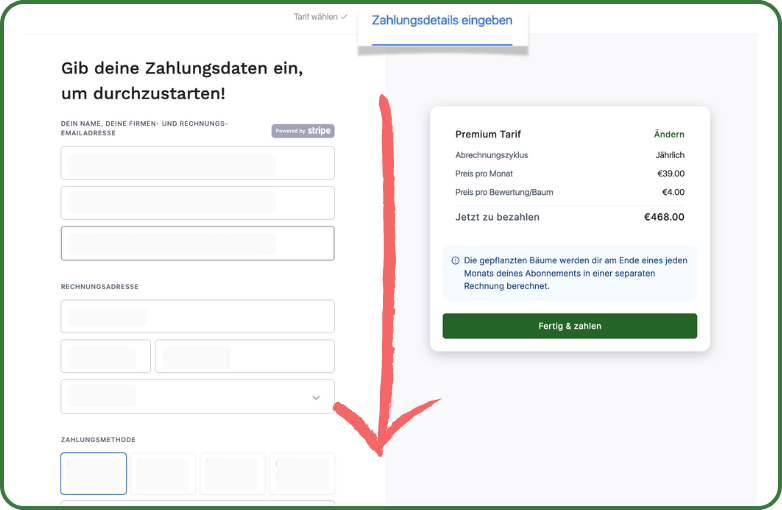
On a new page, you can now enter your payment details.
-
At the very bottom of the page you’ll find the field “Do you have a voucher code?” Enter your voucher code and click “Apply”.
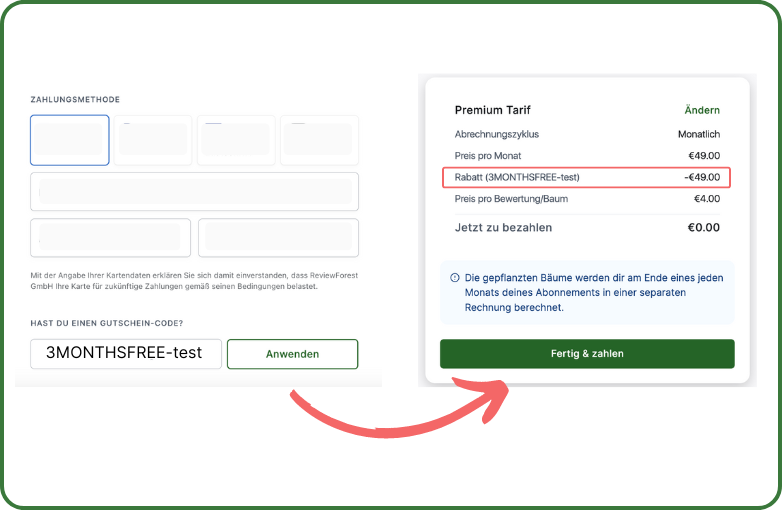
The discount is shown immediately in the summary. Click “Done & pay” to complete the activation of your subscription.
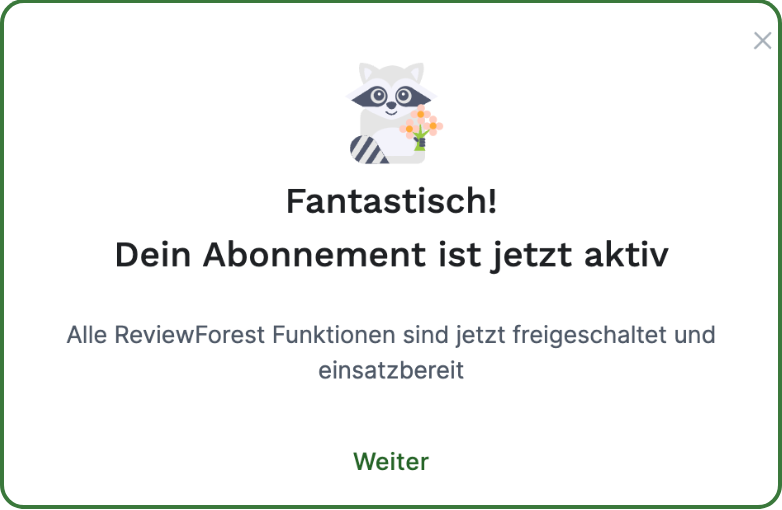
Congratulations! You can now get started right away and use all the features. Your discount will be deducted from your plan costs for the duration of its validity period.