
How to leave a review on ReviewForest Direct
With ReviewForest, leaving a review for a business is just as easy as on any other review platform, and even easier than that!
The steps are simple
Section titled “The steps are simple”-
Open the review forest of the business you want to review (reviewforest.org/the-business-name)
-
Click the “Write a review” button
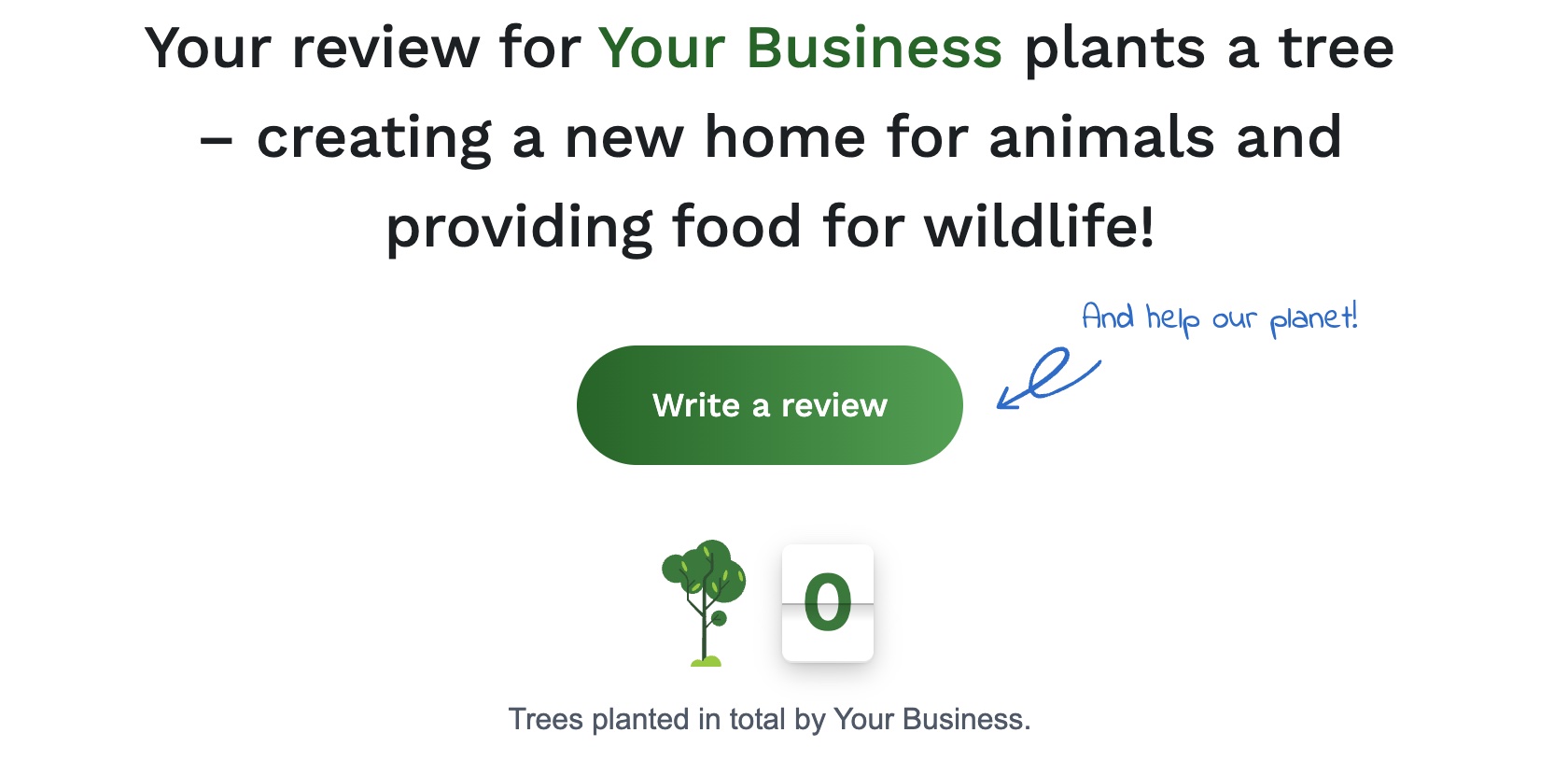
The review form now opens
Section titled “The review form now opens”The first step asks for the star rating, your overall rating.
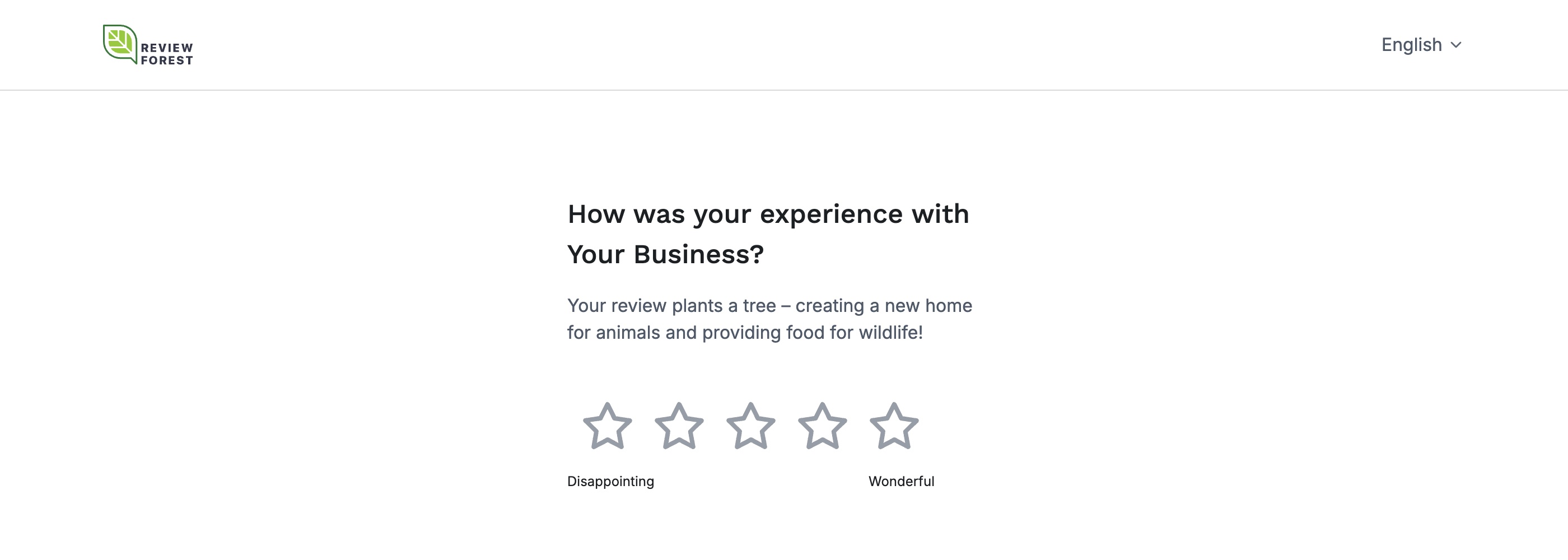
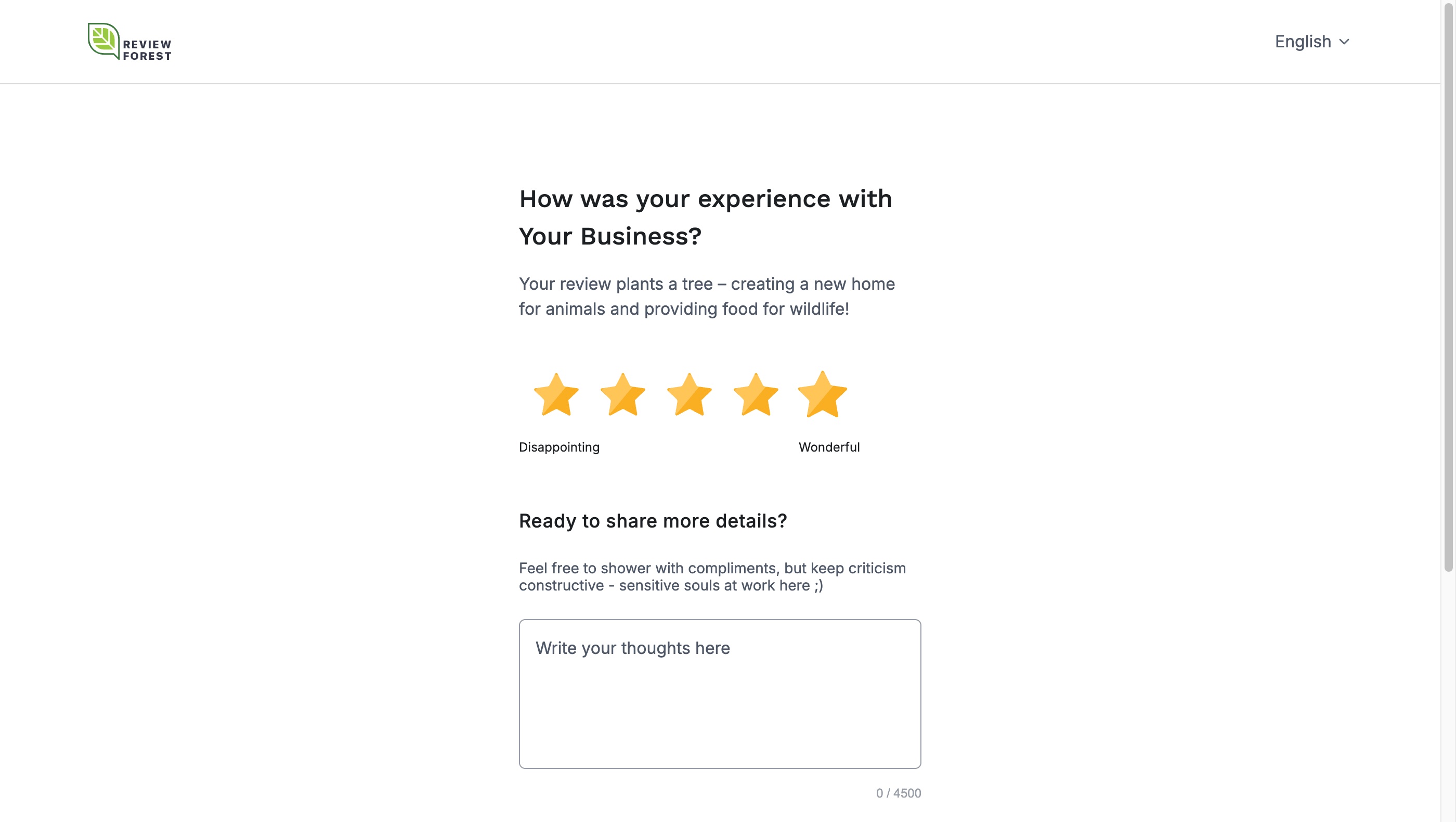
The star rating alone is already enough
Section titled “The star rating alone is already enough”If you’d like, you can also give more detailed feedback and share your experiences.
Show yourself as the author of your review
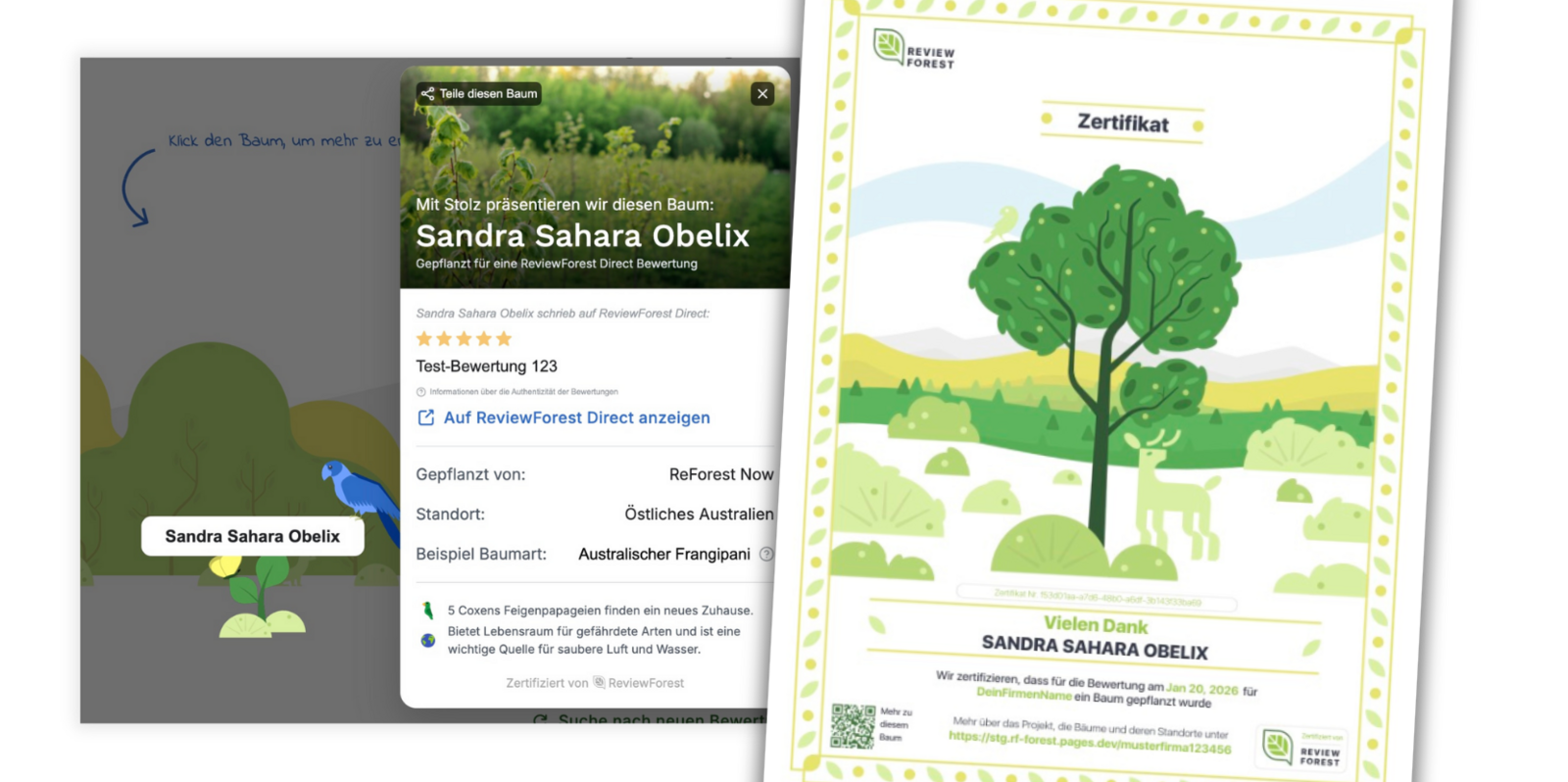
Section titled “Show yourself as the author of your review”Choose whether you’d like to show your name and receive a tree certificate
…or whether you’d rather stay anonymous. Reviews submitted without a name are shown as anonymous author.
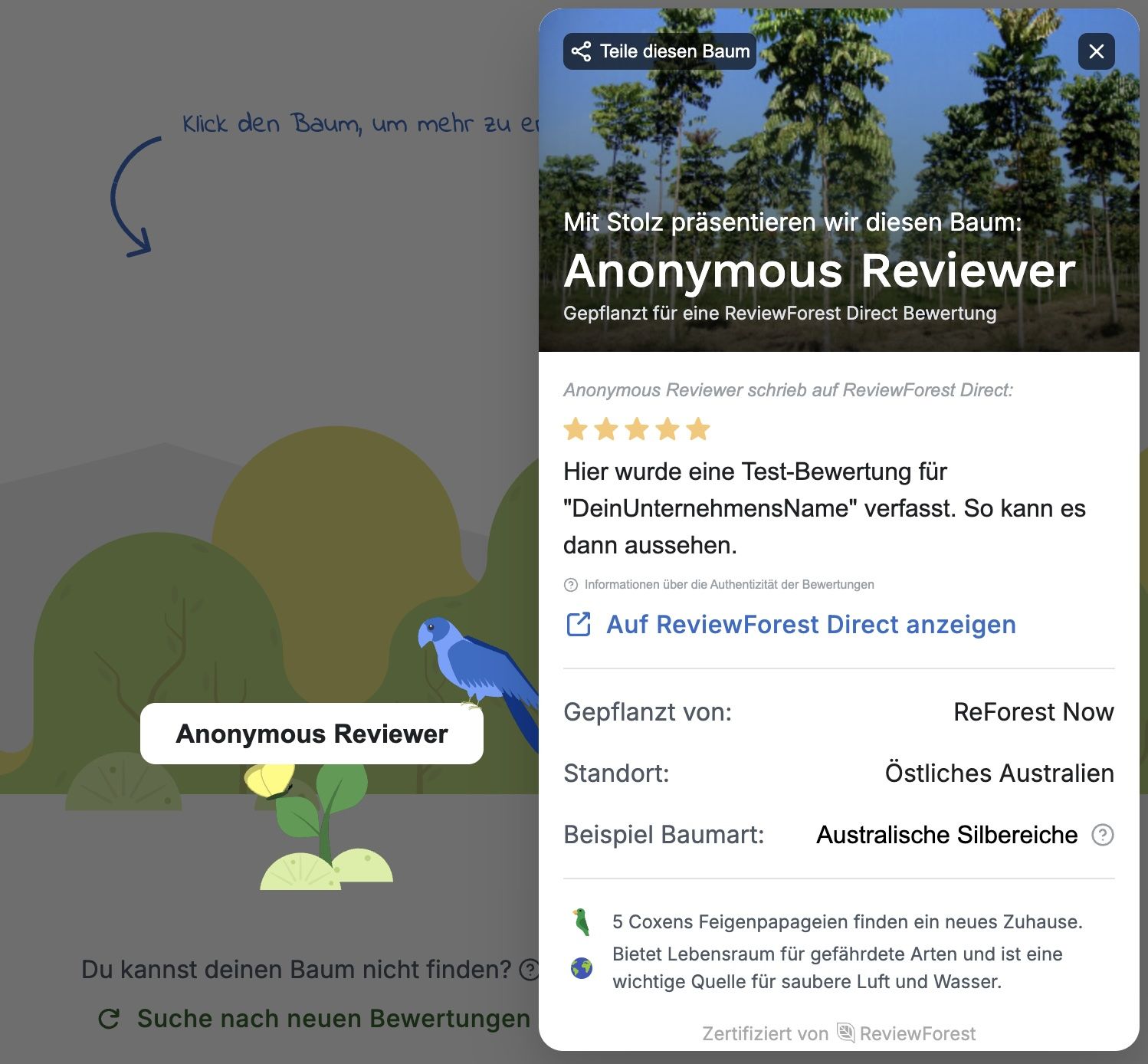
Enter your email address
Section titled “Enter your email address”We only need your email address to verify that the review is a “human-made” one and, if applicable, to send you your tree certificate. In individual cases, it may be necessary to share your email address with the business that was reviewed.
Confirm your email address and plant a tree
Section titled “Confirm your email address and plant a tree”Check your email inbox for the verification email. By clicking the “Verify and plant a tree” button, you complete the review process and can view your review in the business’s review forest. If you chose to receive a tree certificate, we’ll now send you one by email.
Behind the scenes
Section titled “Behind the scenes”Behind the scenes, once a month we invoice the business for all the trees and send the funds to the respective planting project, which then plants the trees on the ground, including your tree.
Direct link to the form
Section titled “Direct link to the form”If ReviewForest Direct is connected to your review forest, you as a business can also send your customers straight to the form and skip your review forest page. To do that, add /review to the address of your review forest, for example https://reviewforest.org/your-business/review.
You can find all the details in How to link directly to the ReviewForest Direct review form.