
How to change your billing address at ReviewForest
Would you like to change your company name or your company’s billing address?
- Go to Payment & Plan
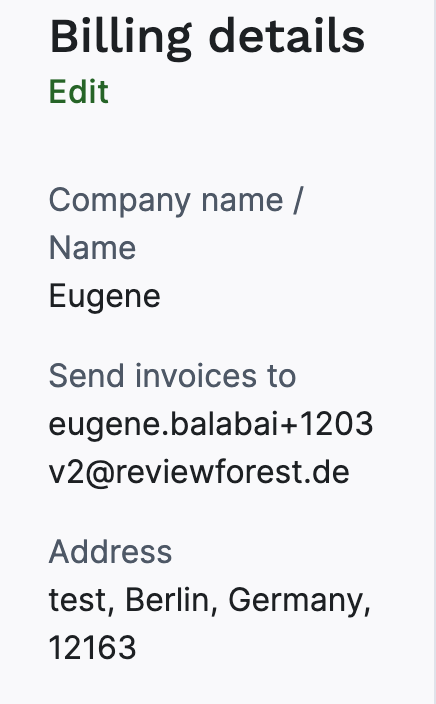
- Under Billing details, click Edit
- Enter the new address or the new company name and click Save
If you’d like to change the company name on your review forest, please take a look at this article: How to change the name of your review forest